Advanced
Private Telegram Video (extension in Chrome)
This page is part of the Telegram Media Downloader companion site. Saving media you can only see after logging into Telegram is best done inside the browser where you already use Telegram Web — not by pasting links into a third-party “online downloader.”
Why a companion site doesn’t “paste” private links
A marketing site that doesn’t run its own parser cannot see your private chats. The Chrome extension, by design, works while you browse Telegram in Chrome — where your session already has access. That matches the product positioning: free, fast, one-click or batch, no login on this website.
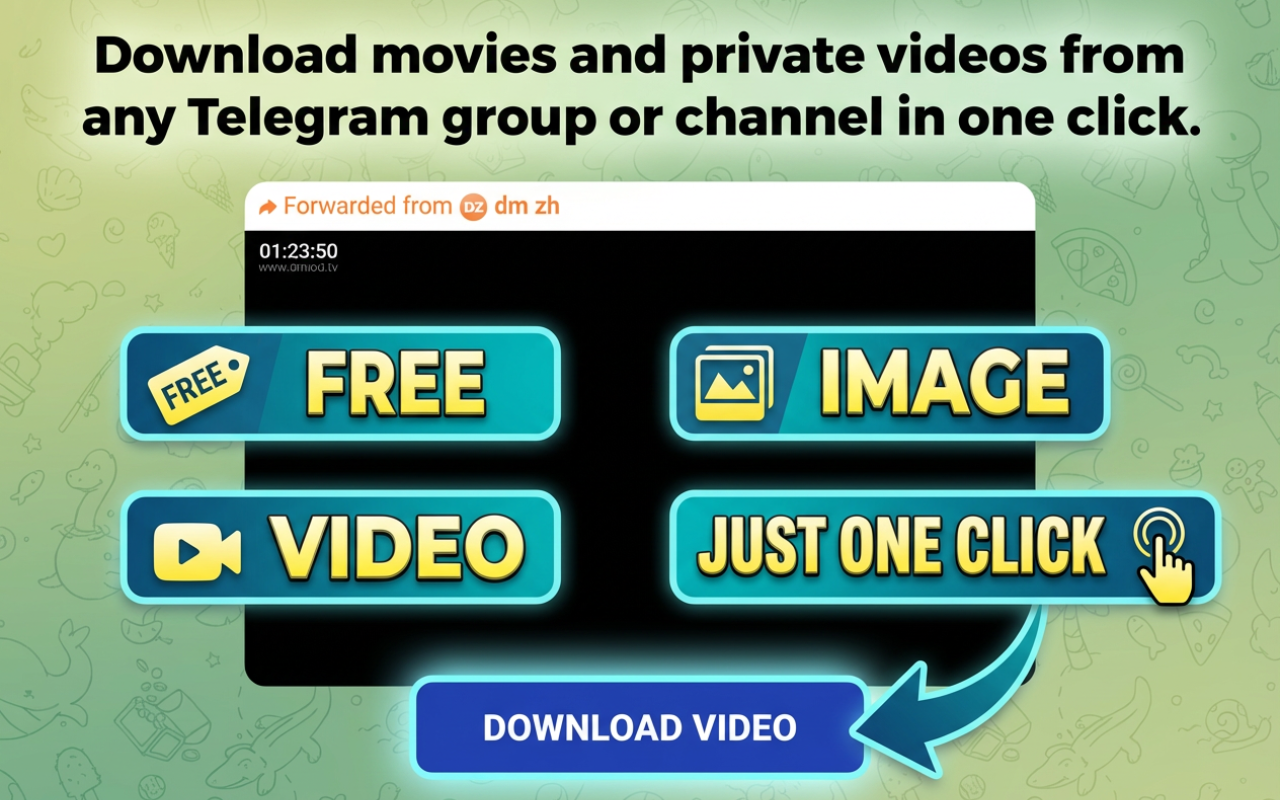
Recommended flow
- Install Telegram Media Downloader from the Chrome Web Store.
- Open Telegram Web in Chrome and complete Telegram’s official login.
- Open the private chat or channel where you have permission to view the video.
- Use the extension to download — single file or batch, as supported by the product.
- Store files responsibly if the content is sensitive.
Safety
Do not type your Telegram password into random websites. This companion domain is for documentation and store links only; downloading is handled by the extension in Chrome when you use Telegram Web.
Related: How to download Telegram video · Download guide · Install