Telegram Video Downloader
Download Telegram videos with TGVideoDown
TGVideoDown is a fast, lightweight Chrome extension for saving Telegram videos, images, audio, and files to your computer. It supports single and batch downloads, privacy-minded local saving, multi-language use, and no account login on this website. For personal backup and organizing only — please ensure you have permission to save the content.
What the extension offers
Same highlights as on the Chrome Web Store — this site only introduces the product
Free — no login
Use the extension without signing into our website.
One-click & batch
Download a single item or select multiple items to save at once.
Video, images & more
Supports video, images, GIFs, music, audiobooks, and files.
Large files
Stable downloads for 1GB+ media when conditions allow.
Clean UI
Minimal interface — easy to pick up immediately.
Channel formats
Works with common Telegram channel and chat layouts in the browser.
How to use
Three steps in Chrome with the extension — screenshots below. This site does not process links or files.

Install the extension
Add Telegram Media Downloader from the Chrome Web Store and pin it if you like.

Open Telegram on the web
Use Telegram Web in Chrome and go to the channel, group, or chat where the media appears.
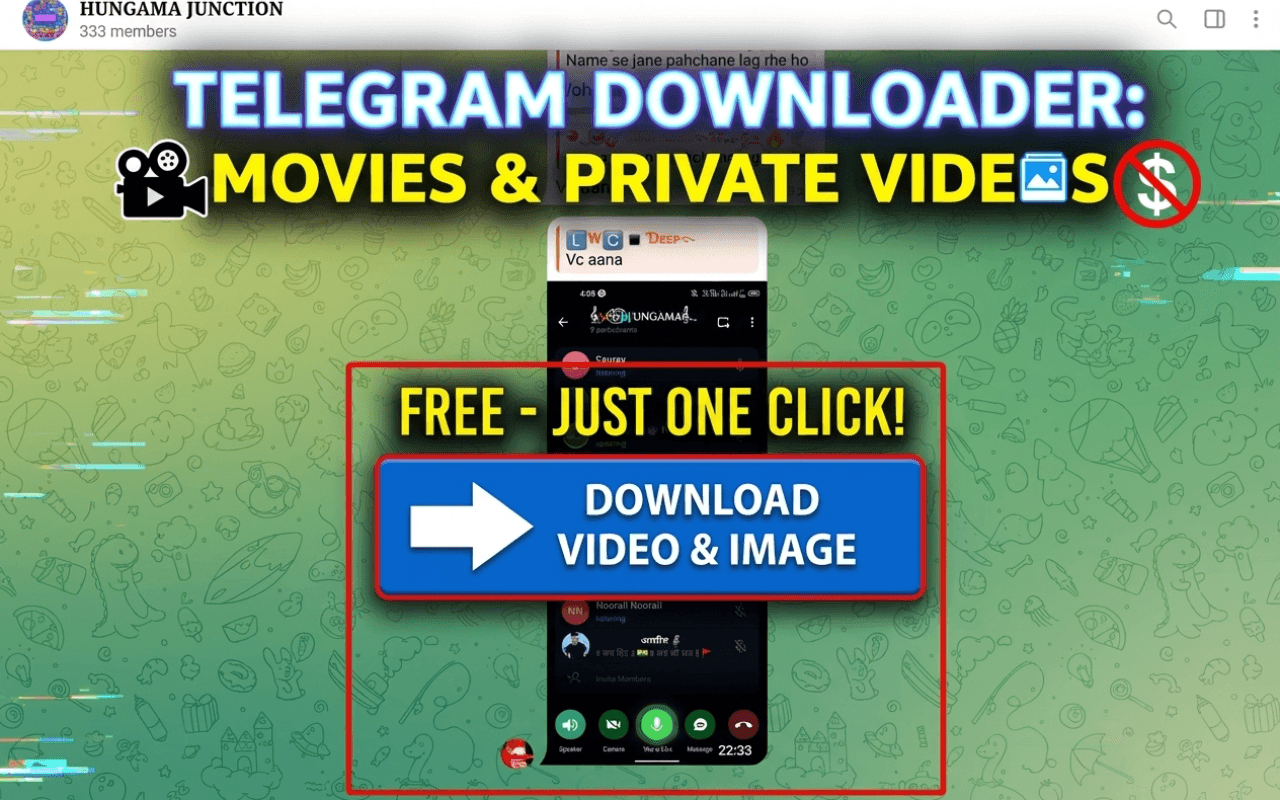
Download locally
Use the extension to save videos or other media to your computer — single file or batch.
FAQ
Telegram video downloader, Chrome extension, and this companion site
More Chrome Extensions
Free browser tools from TGVideoDown — install from the Chrome Web Store.
Facebook Video Downloader
Save Facebook videos, images, and photos from Feed, Watch, Reels, pages, and groups.
Learn more →IG DM Bot
Send bulk Instagram DMs with templates, funnel filters, and auto-replies for new followers.
Learn more →IG Follower Export Tool
Export Instagram followers and following to CSV or Excel — fast or detailed mode.
Learn more →Get the extension
This page is a companion to the Chrome Web Store listing — install there to use Telegram Media Downloader.
What users say
Feedback about the Chrome extension experience
"Fast and straightforward — batch download saves a lot of time in busy channels."
"Clean UI and no fuss. Works for videos and images I need to archive."
"Free and no website login — exactly what I wanted for personal backups."