Telegram video downloader guide
Telegram Video Downloader Guide
This guide explains how to download Telegram videos with TGVideoDown, why the Chrome extension workflow is different from online paste-link sites, and how to save media from Telegram Web responsibly.
Updated
Quick answer
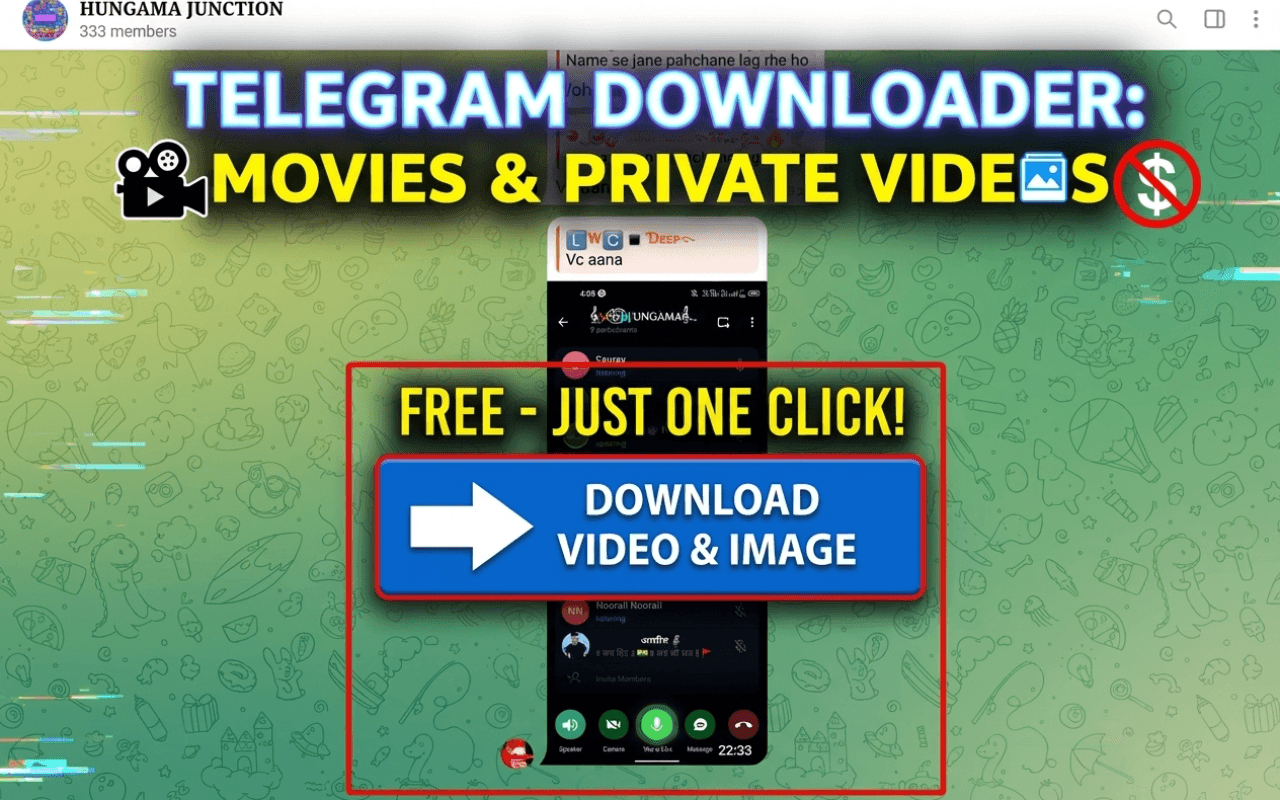
To download Telegram videos on desktop, install TGVideoDown from the Chrome Web Store, open Telegram Web in Chrome, go to the chat or channel where the video appears, and use the extension controls to save the video locally.
Get TGVideoDown
Install the Telegram video downloader
Read the guide first, then install TGVideoDown when you are ready to save videos and files from Telegram Web in Chrome.
What TGVideoDown does
TGVideoDown is a Chrome extension for saving Telegram videos, images, GIFs, audio, documents, and other supported files from Telegram Web. The website is a companion site with guides and store links. It does not ask you to paste private Telegram links into a server-side downloader.
How to download Telegram videos
Step 1
Install TGVideoDown
Open the Chrome Web Store listing and add the Telegram video downloader extension to Chrome.
Step 2
Open Telegram Web
Use official Telegram Web in Chrome and sign in through Telegram if the chat or channel requires it.
Step 3
Find the video
Open the message, channel post, or group thread where the Telegram video appears.
Step 4
Download locally
Use the extension controls to save the video, or select multiple supported media files when batch download is available.
Why not use a paste-link downloader?
Telegram media often depends on your Telegram session, especially in private groups and channels. A random website that asks for links or passwords can create privacy risk. TGVideoDown keeps the workflow in Chrome: Telegram handles access through official Telegram Web, and the extension helps save media visible in your browser.
Common use cases
Save channel videos
Archive videos from channels you can access, including long videos and repeated posts you need to organize.
Download Telegram Web files
Save documents, images, audio, and other files shown in Telegram Web without creating a TGVideoDown account.
Personal backups
Keep local copies of permitted media for offline reference, research, or personal organization.
Batch media selection
When supported items are detected, select multiple files instead of repeating the same action one by one.
Troubleshooting
The extension does not detect a video
Refresh Telegram Web, reopen the media message, and confirm the TGVideoDown extension is enabled in Chrome.
A private channel video is missing
Confirm that you can view the video in official Telegram Web. The extension cannot unlock content you cannot access.
Downloads are slow
Keep Chrome open, use a stable connection, and avoid closing Telegram Web until large files finish downloading.