Chrome extension
Facebook Video Downloader — Chrome Extension
Facebook Video Downloader — Save and organize videos, images, and photos in one click. A fast, free, and easy-to-use Chrome extension for pages, groups, feeds, Watch, Reels, and embedded players.
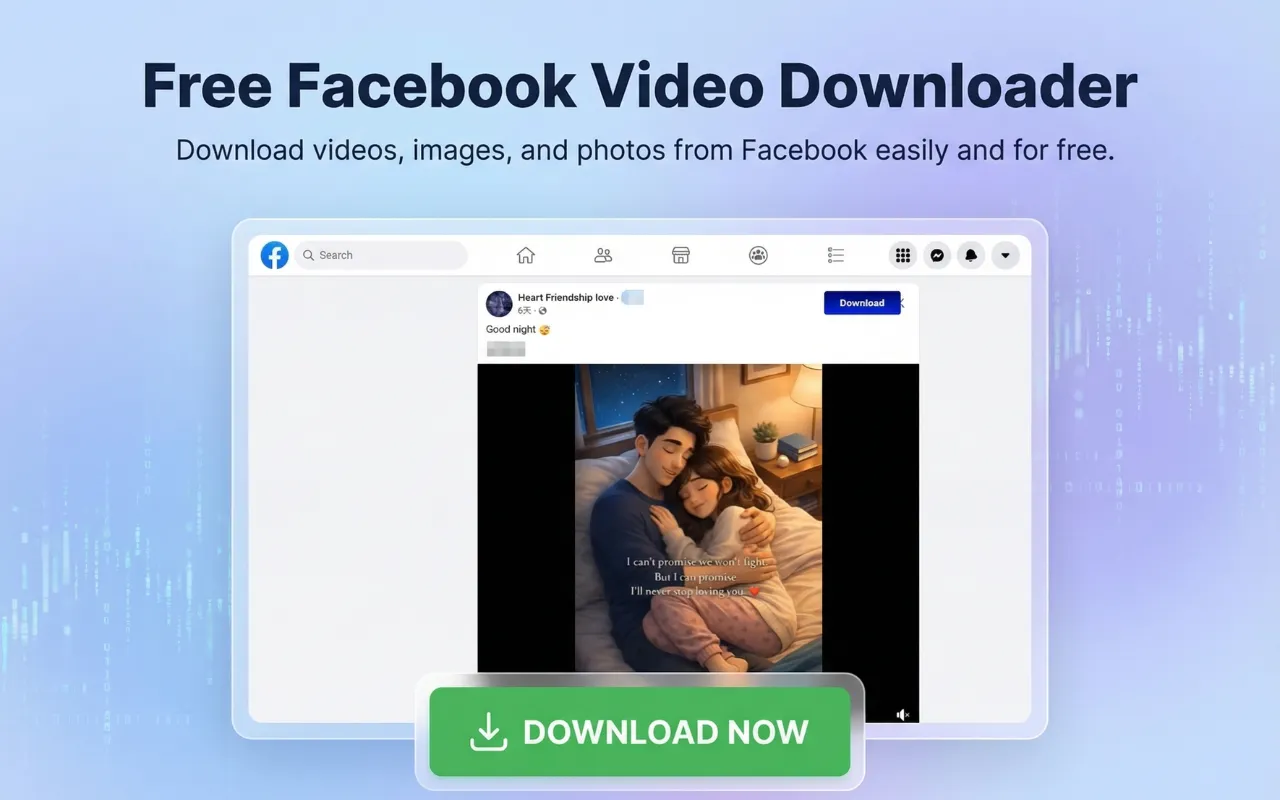
This lightweight downloader is built for everyday browsing. It adds clear download controls directly on the site, so you can save videos and images without leaving the page.
Install from Chrome Web StoreWhether you are on your News Feed, a public page, a group, Watch, Reels, or a profile video tab, it helps you keep content you want to revisit — tutorials, live clips, memories, and more.
Why Choose This Extension?
The platform is full of videos worth saving — live streams, reels, how-to guides, and personal moments. You get a simple download workflow right inside Chrome:
- ✔One-click saving on detected videos and images
- ✔Auto-detect new media as you scroll (Feed, Watch, Reels, and more)
- ✔Works across major sections
- ✔Embedded players on external websites
- ✔Free — no account signup required
Key Features
Download Videos Across the Platform
Save clips from:
- Profiles and timelines
- Groups and communities
- Public pages and creator pages
- News Feed posts
- Watch (including watch pages and video posts)
- Reels
- User video libraries and video permalinks
Download Images & Photos
Beyond video, the extension also supports image download on feed posts — save photos displayed in posts for personal reference and offline viewing.
Embedded Video Support
Browsing a site with an embedded player? The extension can detect embedded videos and offer the same convenient download action while you browse.
Quality You Control
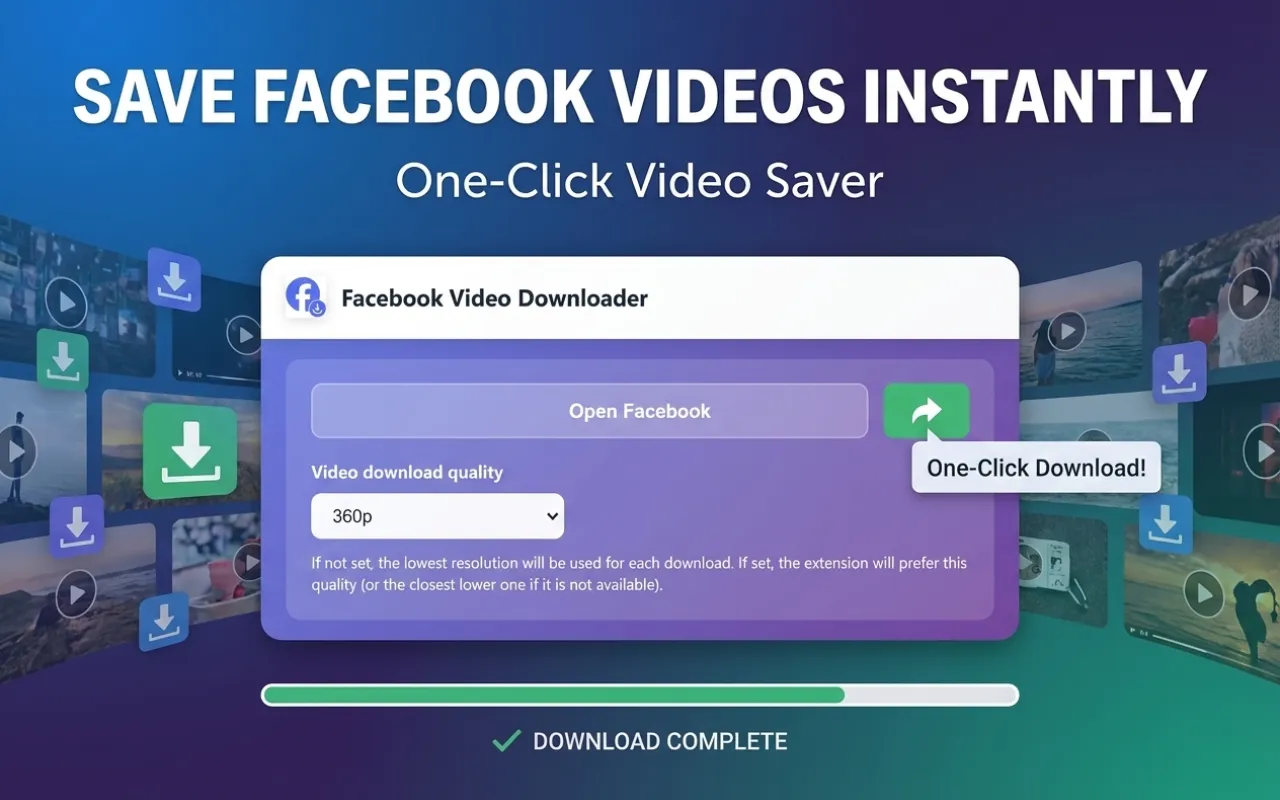
Open the extension popup to set your preferred video quality:
- Default (lowest available, saves data)
- 360p / 480p / 720p / 1080p when available
It picks the best match for your setting so you can balance quality and file size.
Clear Download Progress
For stream-based videos, see real-time progress on the download button. Direct downloads start quickly through Chrome's built-in download manager — simple and familiar.
Designed for Everyone
No command line. No complicated setup. A free Chrome extension anyone can use:
Fast · Privacy-focused · Easy to use · No technical skills required
Who Is It For?
Ideal if you want a reliable FB video downloader for:
- Collectors archiving interesting clips
- Users organizing favorite social content
- Creators gathering reference material
- Students saving educational videos
- Families keeping memorable moments
Benefits at a Glance
- •Videos, images, and photos
- •Supports Feed, Watch, Reels, pages, groups, and embeds
- •Automatic detection while you browse
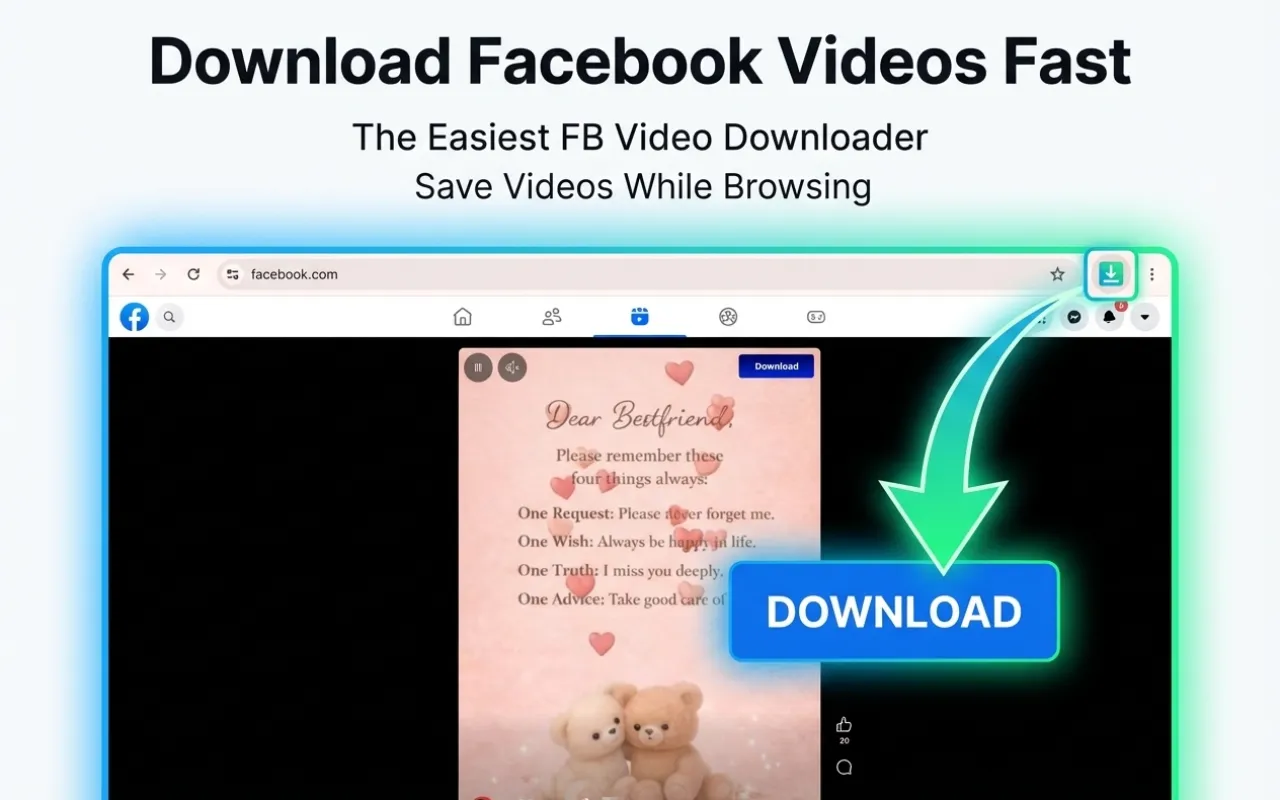
- •One-click buttons injected on supported media
- •Optional HD quality up to 1080p when available
- •Lightweight Manifest V3 Chrome web extension
- •Multi-language interface (wide locale support)
How to Use
- Install from the Chrome Web Store
- Open facebook.com or a page with an embedded video
- Browse as usual — the extension scans for videos and images
- Click Download on the item you want
- Files save through Chrome to your device (manage in Chrome Downloads)
Tip: Use the toolbar popup to set video quality before downloading.
Privacy & Security
Built with privacy in mind:
- ✔Downloads handled through your browser
- ✔No requirement to share passwords with third-party servers
- ✔Designed for local, on-device saving via Chrome
- ✔No hidden analytics described in the extension workflow
Your browsing stays in your control. Always use downloaded content responsibly.
Important Notice
Facebook Video Downloader is an independent Chrome extension. It is not affiliated with, endorsed by, or sponsored by Meta Platforms, Inc. or Facebook.
Please respect copyright, creator rights, and the platform's Terms of Service. Only download content you have the right to save for personal use.
Chrome Web Store — Facebook Video Downloader · support@tgvideodown.com · TGVideoDown Home