Private channel guide
Download Telegram Private Channel Video
If you can already view a video inside a private Telegram channel, TGVideoDown can help you save it from Telegram Web in Chrome. This guide explains the safe workflow and the limits.
Updated
Important access note
TGVideoDown does not bypass private channels, passwords, or Telegram permissions. Use it only for videos you can already open in official Telegram Web and are allowed to save.
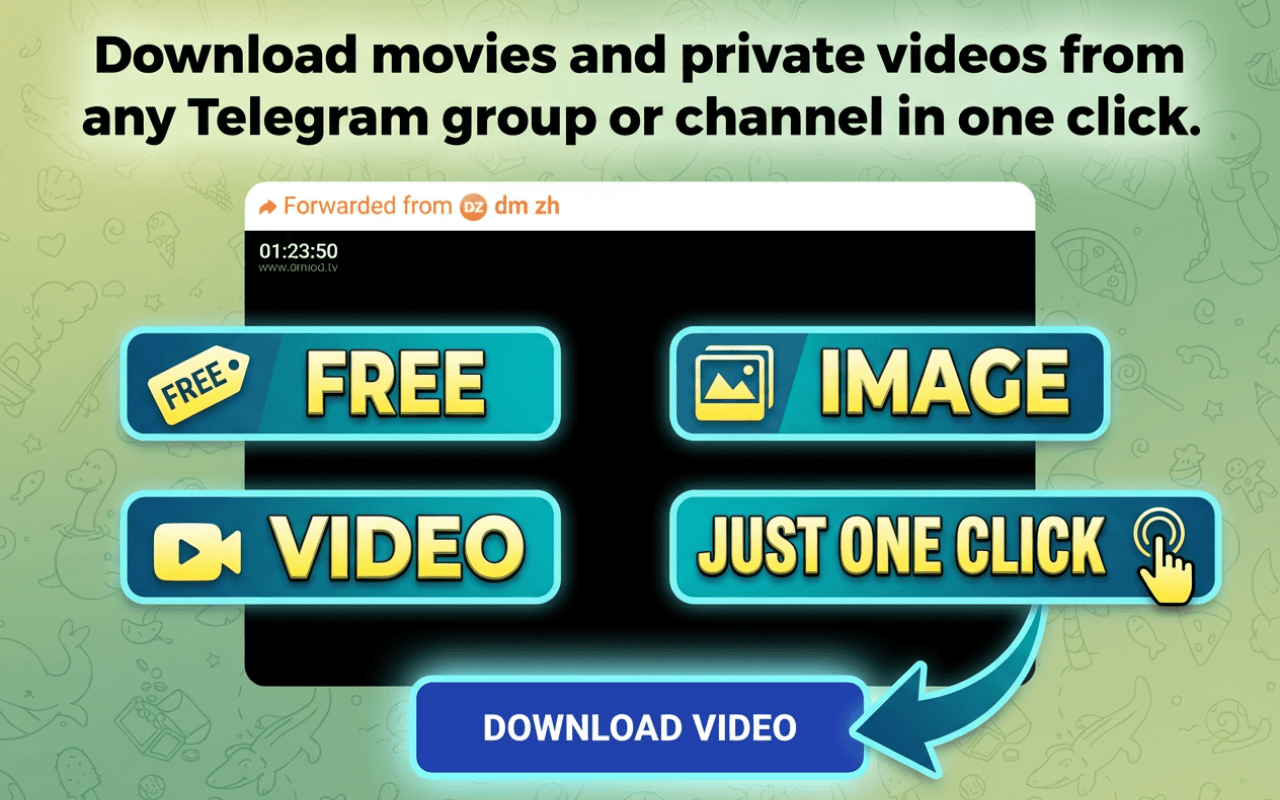
Private channel guide
Install TGVideoDown for Telegram Web
Use official Telegram Web for access, then let the Chrome extension help save videos or files that are visible to your account.
When this works
This workflow is for private channels, groups, and chats where your Telegram account already has permission to view the video. Once the video appears in Telegram Web, the extension can help save supported media locally.
Download Telegram Private Channel Video
Step 1
Install TGVideoDown in Chrome
Open the Chrome Web Store listing and add the Telegram Video Downloader extension to Chrome.
Step 2
Open Telegram Web
Use official Telegram Web in Chrome and sign in through Telegram if the chat or channel requires it.
Step 3
Open the private channel
Go to the private channel where you are already a member and open the video message.
Step 4
Save the visible video
Use TGVideoDown to save the video locally. The extension cannot unlock unavailable content.
Do and do not
Good practice
- Save only content you have permission to keep.
- Use Telegram Web for all Telegram sign-in steps.
- Keep Chrome open until large videos finish downloading.
- Store sensitive files responsibly after downloading.
Avoid
- Do not expect the extension to unlock channels you cannot join.
- Do not paste private links into unknown downloader sites.
- Do not enter Telegram passwords outside official Telegram pages.
- Do not redistribute private channel videos without permission.
Why a Chrome extension is a better fit
Private Telegram media usually depends on your Telegram session. A Chrome extension workflow lets Telegram Web handle access while TGVideoDown focuses on saving visible media in your browser.