Faster Telegram video saving
Use this as part of a safe Telegram Web workflow in Chrome.
TGVideoDown Chrome Extension
TGVideoDown is a fast, lightweight Chrome extension for saving Telegram videos, images, audio, documents, and batch media from Telegram Web. Use it for personal backup and organization when you have permission to save the content.
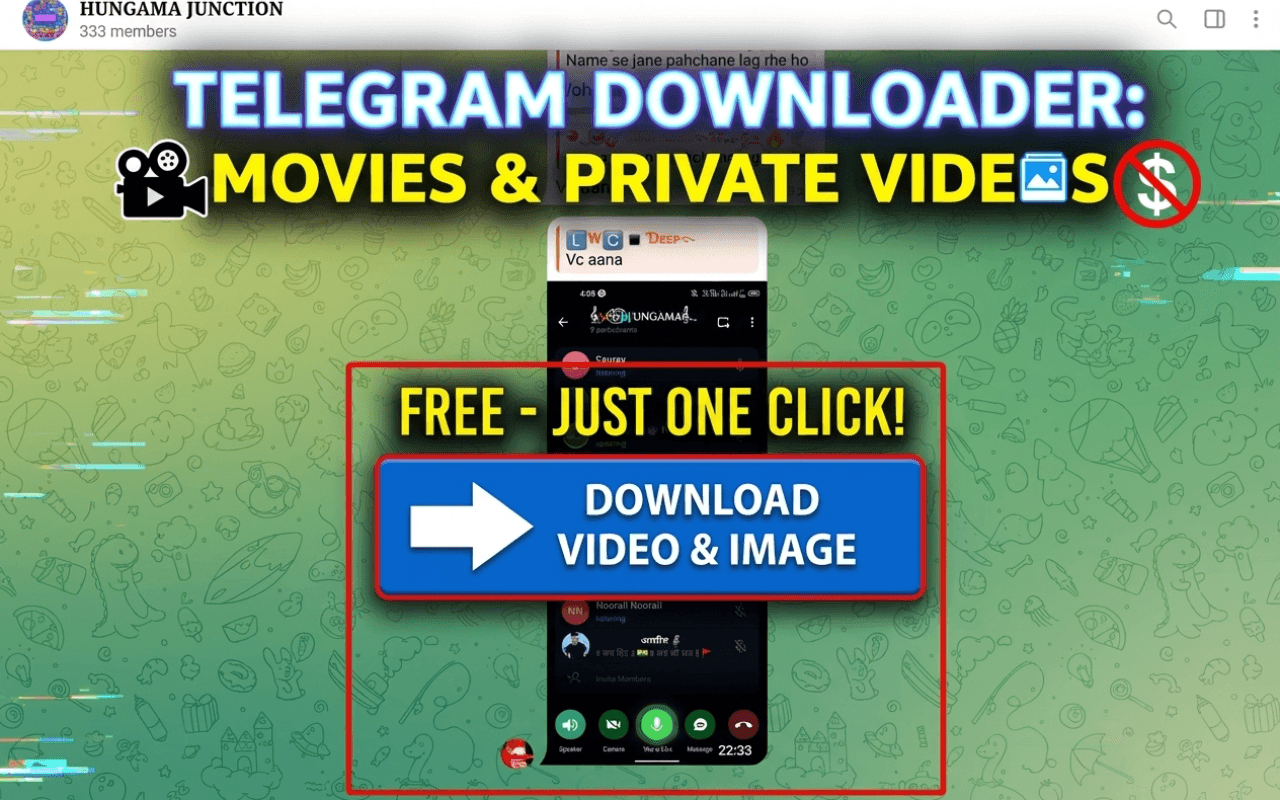
TGVideoDown is positioned as a Chrome extension for authorized local saving, not as a public paste-link downloader. You keep the workflow in Chrome and use official Telegram Web for access.
Use this as part of a safe Telegram Web workflow in Chrome.
Use this as part of a safe Telegram Web workflow in Chrome.
Use this as part of a safe Telegram Web workflow in Chrome.
Use this as part of a safe Telegram Web workflow in Chrome.
Use this as part of a safe Telegram Web workflow in Chrome.
Use this as part of a safe Telegram Web workflow in Chrome.
Download workflow
Use the extension where Telegram content already appears: in Telegram Web on Chrome. For private chats and channels, sign in only through the official Telegram flow.
Step 1
Open the Chrome Web Store listing and add the Telegram Video Downloader extension to Chrome.
Step 2
Use official Telegram Web in Chrome and sign in through Telegram if the chat or channel requires it.
Step 3
Use TGVideoDown to download to your computer, with single or batch selection when available.
Related guides
These guides answer the practical questions users ask before installing a Telegram downloader: setup, private channels, Telegram Web files, and platform differences.
TGVideoDown helps you download Telegram videos, files, images, audio, and GIFs from Telegram Web in Chrome with no TGVideoDown account login.
Read guideA complete guide to installing TGVideoDown, opening Telegram Web, and saving videos or files from Chrome.
Read guideStep-by-step instructions for users searching how to download Telegram video on desktop Chrome.
Read guideInstall, permissions, troubleshooting, and batch download notes for the TGVideoDown Chrome extension.
Read guideYou do not need a TGVideoDown account to download Telegram files with the Chrome extension. Private Telegram files still use official Telegram Web access.
Read guideSafe guidance for saving videos from private Telegram channels you can already access.
Read guideHow to save videos, documents, images, audio, and other files while using Telegram Web in Chrome.
Read guideA practical comparison of media saving workflows, file access, and desktop browser limitations.
Read guideNo. TGVideoDown is a companion website for a Chrome extension. Downloads happen in Chrome while you browse Telegram Web.
Yes. TGVideoDown does not require a website account. Private Telegram content may still require official Telegram Web access.
Yes. The extension is positioned for videos, images, GIFs, audio, documents, and files when those items are available in Telegram Web.
Yes. The extension supports single and batch selection for supported Telegram media workflows.