Restricted saving guide
How to download “can’t save” Telegram videos — photos, papers, channel clips
No Save button, no forward, content protection on — “restricted saving” is one of the highest-intent Telegram search themes. This guide covers photos, academic PDFs, tutorial clips, and adult channel media you can already watch, and how to export them locally with TGVideoDown in Chrome.
Updated
Get TGVideoDown
Install first, then match your scenario
Photos, papers, short clips, and adult channel media share one desktop path: Telegram Web + TGVideoDown. Install from the Chrome Web Store, then follow the steps below.
Quick answer
If you can play the media, open official Telegram Web in Chrome, install TGVideoDown, and export the video, photo, or document from the same session. The extension does not break into private channels you cannot open; it helps when viewing works but native saving is disabled.
Why Telegram shows “can’t save”
Restricted saving turns off forward / save actions while playback may still work. Common cases:
- Channels or groups with content protection / restricted saving enabled
- Single messages that forbid “save as” but still allow playback
- View-once or timed media that disappears after a countdown
- Mobile UIs that hide save actions so deeply users assume download is impossible
Search phrasing varies — can’t save, no download, restricted content, content protection — but the intent is the same: archive what you are already allowed to watch.

By media type: photos, academic files, clips, adult channels
One workflow, different friction. Splitting scenarios matches how people actually search.
1. Photos and stickers
News screenshots, product shots, and image packs are often protected. On mobile, long-press may do nothing useful. Open the image in Telegram Web and export with TGVideoDown. Batch nearby images when possible instead of reopening previews one by one.
2. Academic articles, lecture notes, PDFs
Study groups share preprints, slides, and scanned notes with saving locked for redistribution reasons. Personal offline reading is the real need. If Telegram Web can preview the file, export it, rename to author-year-title, and keep it for private study only.
3. Short videos, tutorials, public channel clips
Fitness drills, software tutorials, travel vlogs, and brand reels often disable saving while allowing endless replay. Load the message until playback works, then download. Keep Chrome and Telegram Web open for long files.
4. Adult / beauty / AV channel media (boundaries first)
Adult Telegram download queries are huge. Be clear: TGVideoDown only exports media your account can already open in Telegram Web. It is not a pirate index and does not bypass invites or paywalls. If you can play it and only saving is blocked, use the same desktop export path. Keep only legal, consensual adult content for personal devices; never download or share anything involving minors or non-consensual material.
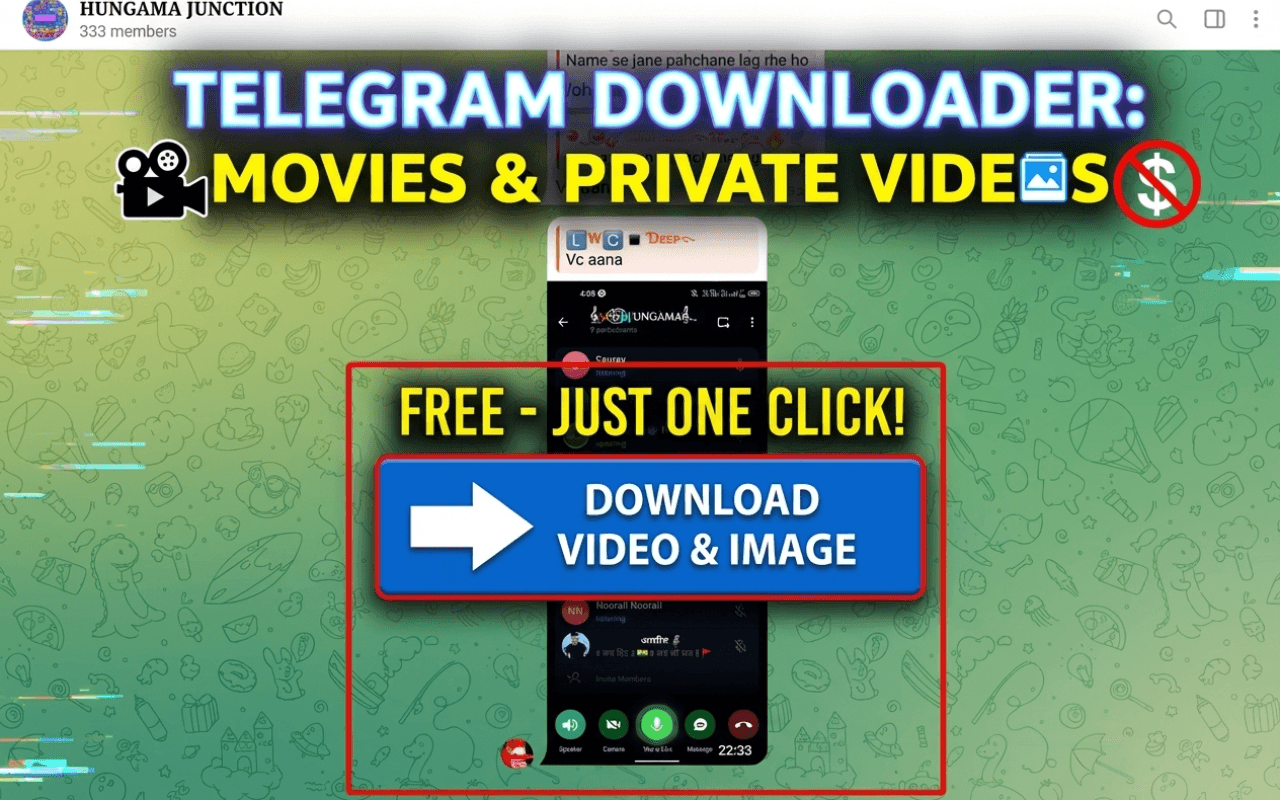
Four steps from “no save button” to a local file
Step 1
Install TGVideoDown
Install from the Chrome Web Store and pin it. Avoid cracked packages — they are the real account risk.
Step 2
Open Telegram Web in the same Chrome
Sign in to official Telegram Web and confirm the chat, channel, or group shows the media so you can play or preview it.
Step 3
Open the restricted message
Scroll to the exact bubble. For view-once media, export before the timer ends. For protected channels, fully load the message — thumbnails alone are not enough.
Step 4
Export with the extension
Use TGVideoDown to download the video, photo, or document. Batch-select when supported, and archive by channel name and date.

Why not paste-link download sites?
Those sites dominate “Telegram video download” SERPs. The tradeoffs matter:
Login and access
Paste sites need a public link and fail on private or protected items. The extension uses your signed-in Telegram Web session.
Media mix
Paste tools skew to video URLs. Real jobs include photo sets and PDFs in the same thread.
Privacy
Uploading adult or internal links to a random site is riskier than a local extension.

FAQ in search language
If Telegram says the video can’t be saved, is download impossible?
Not always. Saving can be blocked while playback still works. If Telegram Web can play it, try TGVideoDown.
Can I download adult videos from a private channel?
Only if your account can already open and play them in Telegram Web. The extension does not join channels for you or list sources.
Do photos and PDFs count as “can’t save video” problems?
Colloquially yes — people use “video” for any blocked save. Photos, academic PDFs, and clips often share the same restriction policy.
Is mobile easier than desktop?
Mobile is usually stricter. Chrome + Telegram Web + the extension is the more reliable path for restricted saving.
Is downloading illegal?
Ability to export is not a license to redistribute. Keep only what you may legally retain, and respect copyright and consent — especially for adult media.
Closing
“How to download restricted Telegram videos” covers photo archives, academic reading, tutorial backups, and adult channel collections. TGVideoDown’s job is not cracking access — it is removing a greyed-out save button from media you can already watch. Install, open Telegram Web, export by scenario, and name your files so they stay findable.
Get TGVideoDown
Install first, then match your scenario
Photos, papers, short clips, and adult channel media share one desktop path: Telegram Web + TGVideoDown. Install from the Chrome Web Store, then follow the steps below.